VRChat

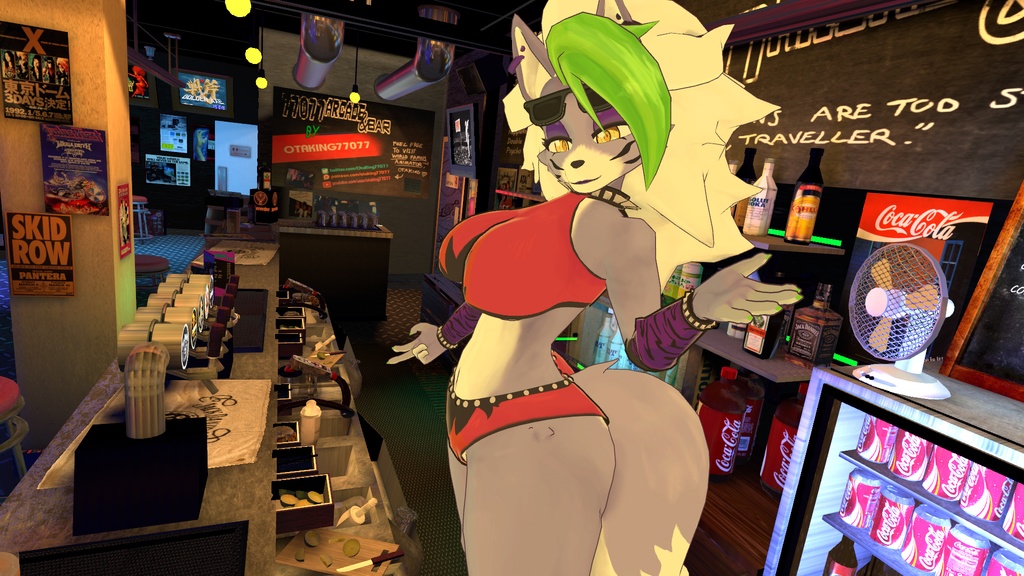
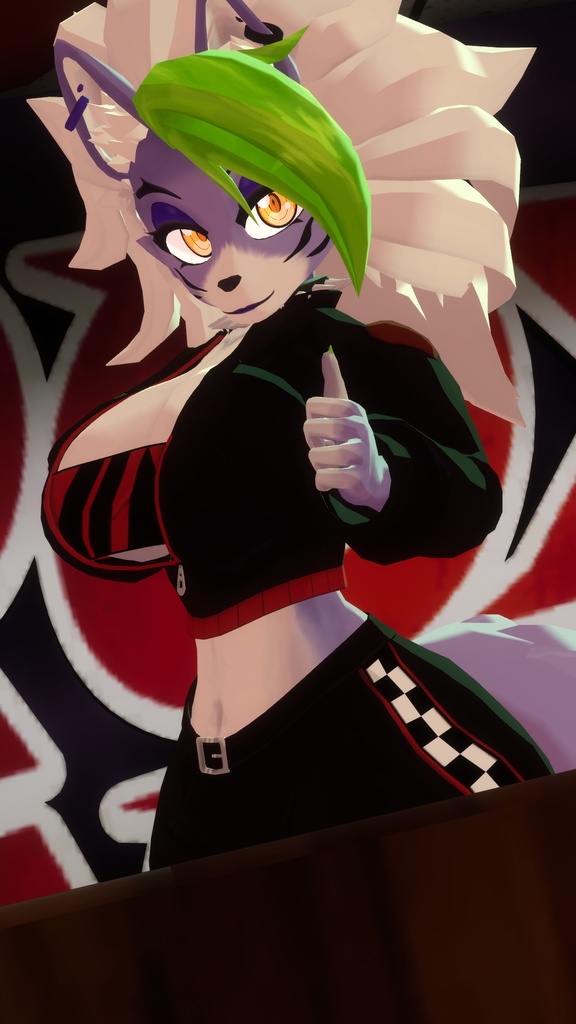
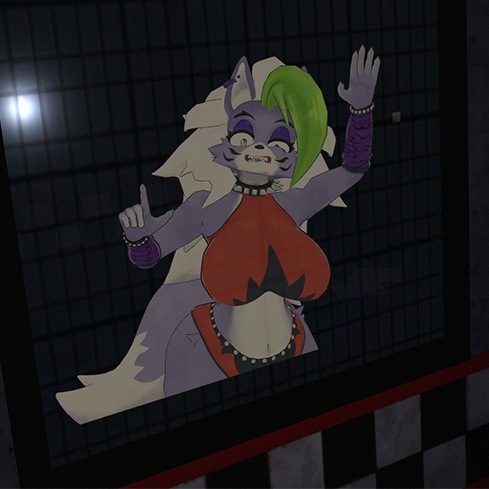
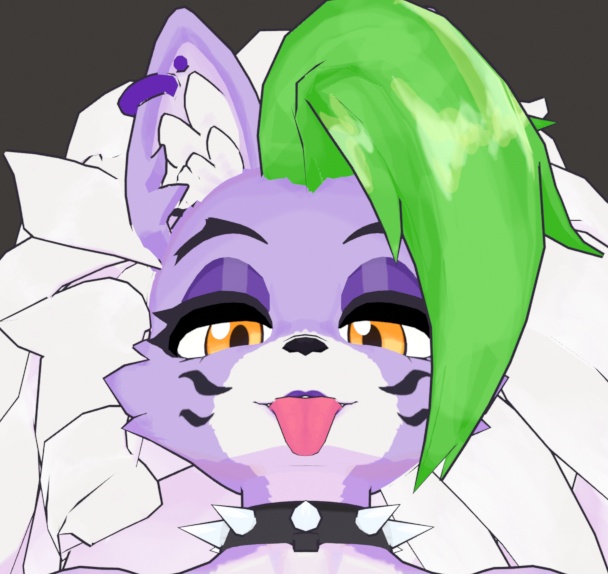
Roxanne Wolf (Roxy) VRChat Full Body Tracking 3D Model

  • ダウンロード商品
    ¥ 4,200

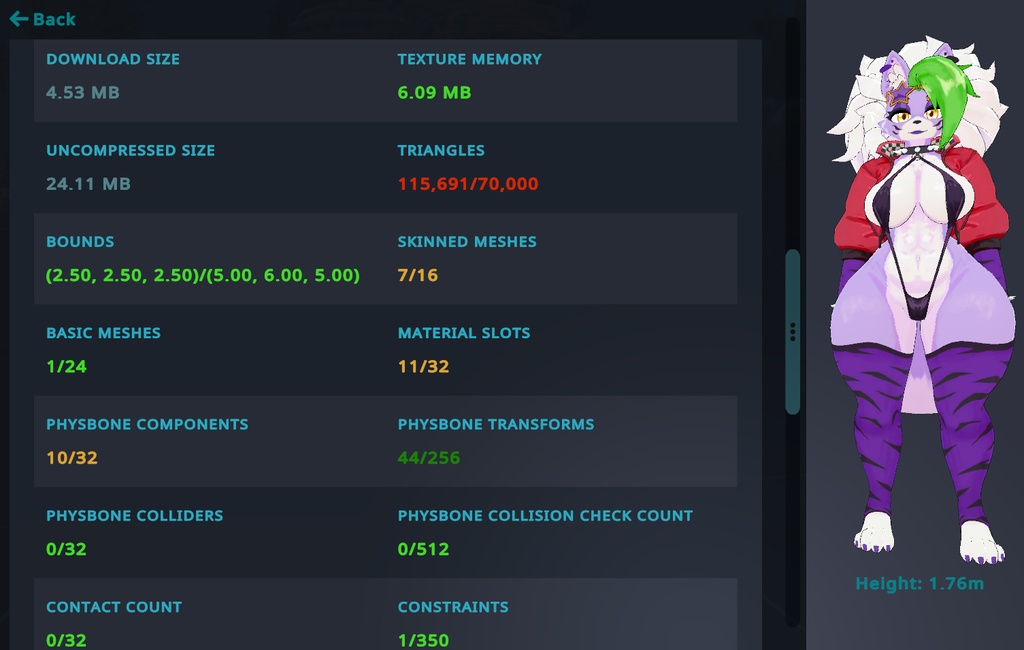
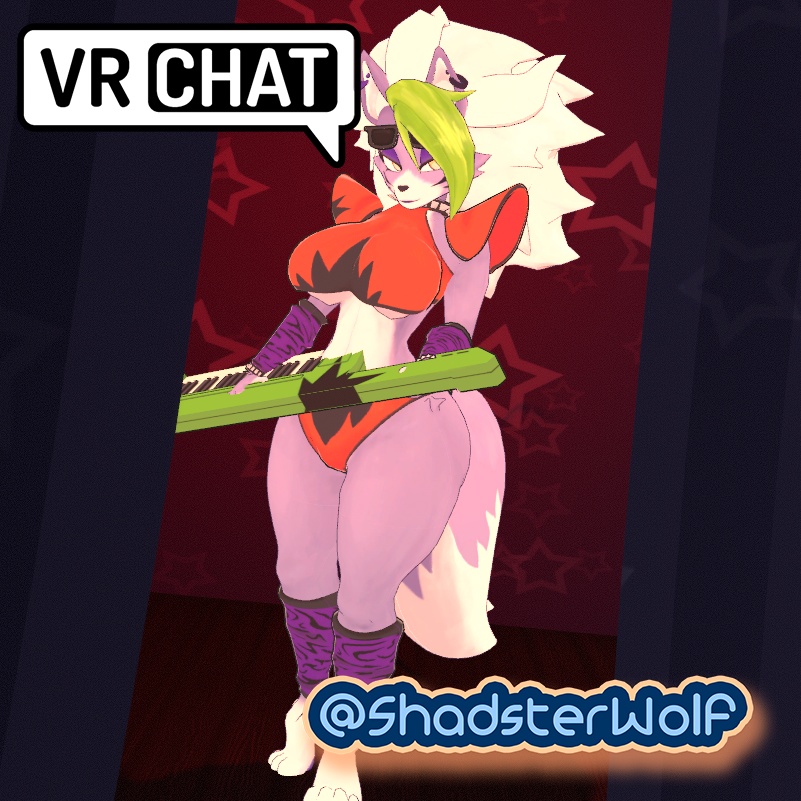
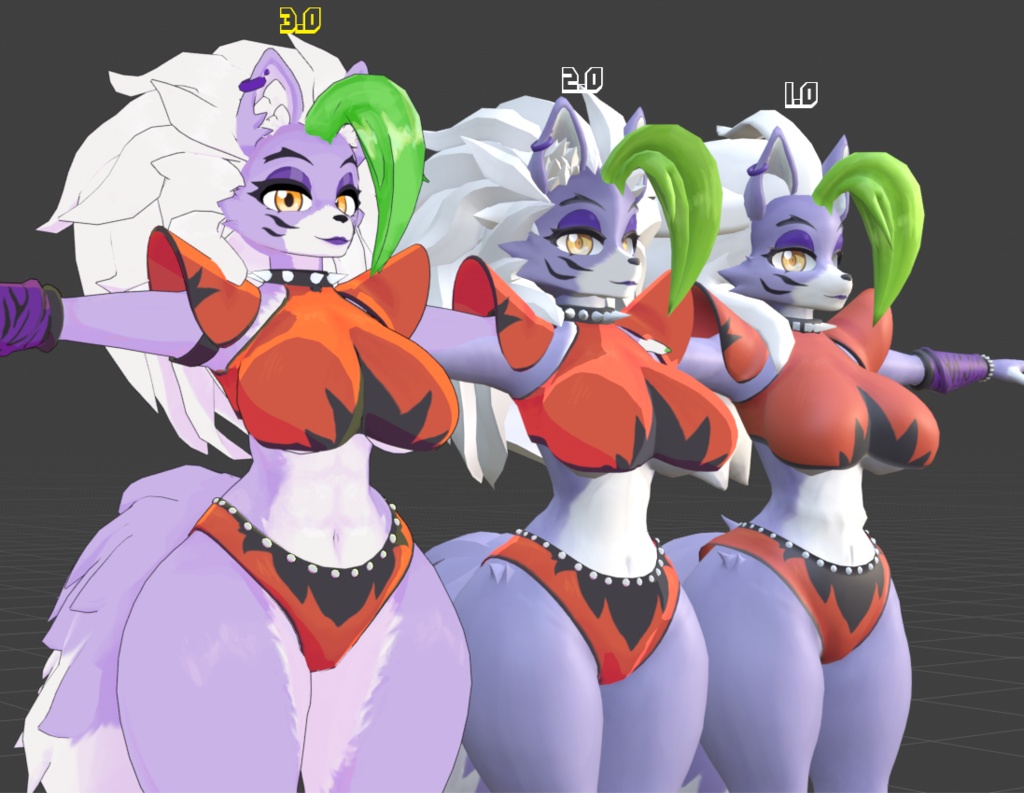
Roxy Model designed for VRChat! NSFW model! --Model Specs & Features-- 158k polys 3 Materials Full Body Tracking Physbones 6 Custom Facial Gestures Viseme Support 5 Outfits Tail Sway Animation Size Slider Hue Slider (PC) Keyboard toggle SDK3 (+ Unity 2022) Poiyomi Toon Shader Independent Body mesh and Clothing SPS Support via VRCFury --Files Included-- Blender Raw File (4.2) Textures (PNG only, hand drawn in Blender) Unity Package (2022.3.6f1) with Scene, FBX, animations, and effects. All setup and ready for upload! --Change Log-- 2.0.0 - Reworked Hair and Tail, Added new Racing Outfit, Improvements to original mesh and rig, Added SPS support 2.0.1 - Fixed issue with tail sway animation, updated new banner icon, fixed minor clipping with racing outfit 2.1.0 - Updated GogoLoco to 1.8.6, fixed issue missing SFX prefab 2.2.0 - Updated Quest Shader to Toon Standard, Fixed shoelace mesh on Racing outfit 2.3.0 - Added Pirate Outfit, slight change to body mesh legs and abs 3.0.0 - Reworked Body mesh, shapekeys, and textures, Optimized all outfit textures into one, Added 2 new outfits, Adjusted all outfits to fit new body shape, Added transparency to glasses, Added Outline slider, Added softbelly toggle, Added Puppet, Added Pirate sword and pistol, Adjustments to physbones 3.0.1 - Fixed missing tease expression, Fixed various clipping issues, Fixed Outfit Hue slider, Adjusted the body texture fluff, Adjustments to puppet rig 3.0.2 - Fixed additional clipping for the Pirate outfit --Instructions for VRChat PC-- 1. Download Unity Hub: https://unity.com/download 2. Make a new Avatar project with VRChat Creator Companion (VCC) https://vrchat.com/home/download 3. (Optional) Import Poiyomi Toon Shader (8.1): https://github.com/poiyomi/PoiyomiToonShader/releases 4. Import my provided .unitypackage file Open Avatar.scene, login using the VRchat SDK, build & upload! --Instructions for VRChat Quest (Cont.)-- 1. Copy the Avatar ID that generated after uploading to PC (In the VRChat SDK, click on the Content Manager tab, you'll see "Copy ID") 2. Click on the _Quest avatar and attach/paste the Avatar ID (In the Inspector, on the Pipeline Manager component, you'll see "Blueprint ID", then click Attach) 3. Click on File > Build Settings... > Android > Switch Platform (Delete _PoiyomiShaders folder if you imported to help speed up the process) 4. Open the VRChat SDK and build & upload again! (If "Build & Publish for Android" is gray, delete/inactive the PC avatar) **Please do not make public** **Please do not redistribute** Contact Twitter: https://twitter.com/Shadsterwolf すみません、にほんご はなせません。(╯°□°)╯︵ ┻━┻
Roxanne Wolf (Roxy) VRChat Full Body Tracking 3D Model
Roxy Model designed for VRChat! NSFW model! --Model Specs & Features-- 158k polys 3 Materials Full Body Tracking Physbones 6 Custom Facial Gestures Viseme Support 5 Outfits Tail Sway Animation Size Slider Hue Slider (PC) Keyboard toggle SDK3 (+ Unity 2022) Poiyomi Toon Shader Independent Body mesh and Clothing SPS Support via VRCFury --Files Included-- Blender Raw File (4.2) Textures (PNG only, hand drawn in Blender) Unity Package (2022.3.6f1) with Scene, FBX, animations, and effects. All setup and ready for upload! --Change Log-- 2.0.0 - Reworked Hair and Tail, Added new Racing Outfit, Improvements to original mesh and rig, Added SPS support 2.0.1 - Fixed issue with tail sway animation, updated new banner icon, fixed minor clipping with racing outfit 2.1.0 - Updated GogoLoco to 1.8.6, fixed issue missing SFX prefab 2.2.0 - Updated Quest Shader to Toon Standard, Fixed shoelace mesh on Racing outfit 2.3.0 - Added Pirate Outfit, slight change to body mesh legs and abs 3.0.0 - Reworked Body mesh, shapekeys, and textures, Optimized all outfit textures into one, Added 2 new outfits, Adjusted all outfits to fit new body shape, Added transparency to glasses, Added Outline slider, Added softbelly toggle, Added Puppet, Added Pirate sword and pistol, Adjustments to physbones 3.0.1 - Fixed missing tease expression, Fixed various clipping issues, Fixed Outfit Hue slider, Adjusted the body texture fluff, Adjustments to puppet rig 3.0.2 - Fixed additional clipping for the Pirate outfit --Instructions for VRChat PC-- 1. Download Unity Hub: https://unity.com/download 2. Make a new Avatar project with VRChat Creator Companion (VCC) https://vrchat.com/home/download 3. (Optional) Import Poiyomi Toon Shader (8.1): https://github.com/poiyomi/PoiyomiToonShader/releases 4. Import my provided .unitypackage file Open Avatar.scene, login using the VRchat SDK, build & upload! --Instructions for VRChat Quest (Cont.)-- 1. Copy the Avatar ID that generated after uploading to PC (In the VRChat SDK, click on the Content Manager tab, you'll see "Copy ID") 2. Click on the _Quest avatar and attach/paste the Avatar ID (In the Inspector, on the Pipeline Manager component, you'll see "Blueprint ID", then click Attach) 3. Click on File > Build Settings... > Android > Switch Platform (Delete _PoiyomiShaders folder if you imported to help speed up the process) 4. Open the VRChat SDK and build & upload again! (If "Build & Publish for Android" is gray, delete/inactive the PC avatar) **Please do not make public** **Please do not redistribute** Contact Twitter: https://twitter.com/Shadsterwolf すみません、にほんご はなせません。(╯°□°)╯︵ ┻━┻