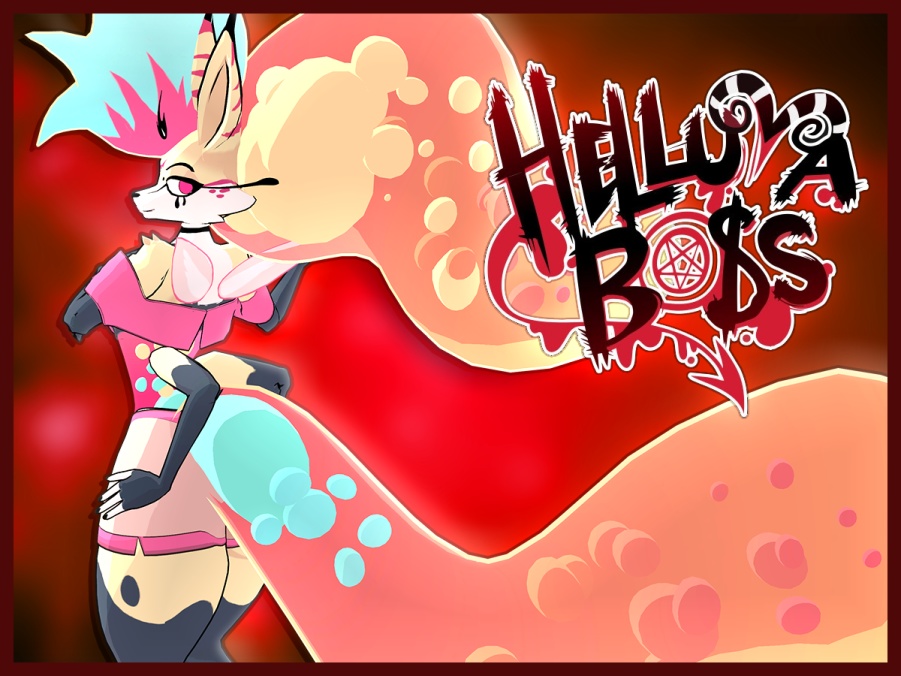
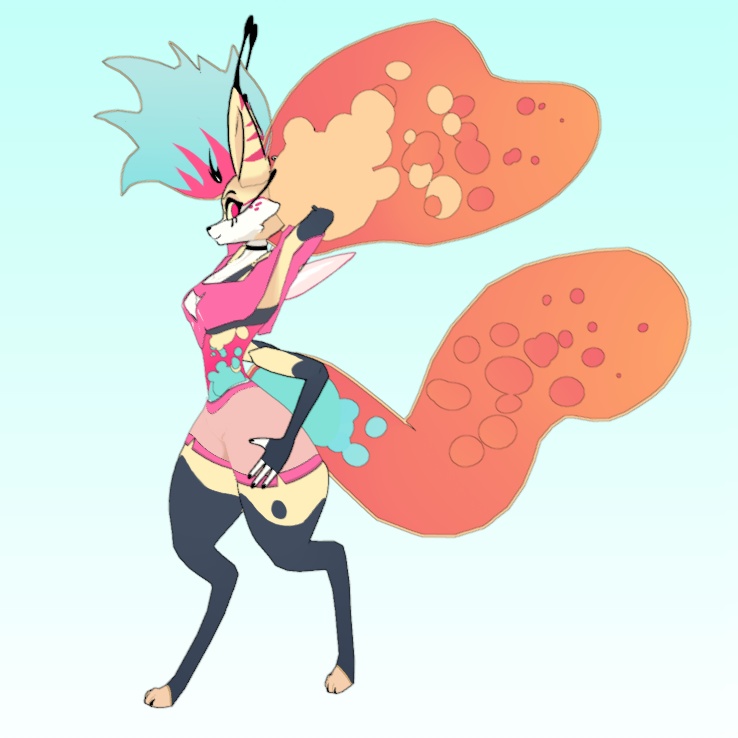
Queen Bee VRChat Full Body Tracking 3D Model
- ダウンロード商品¥ 5,000
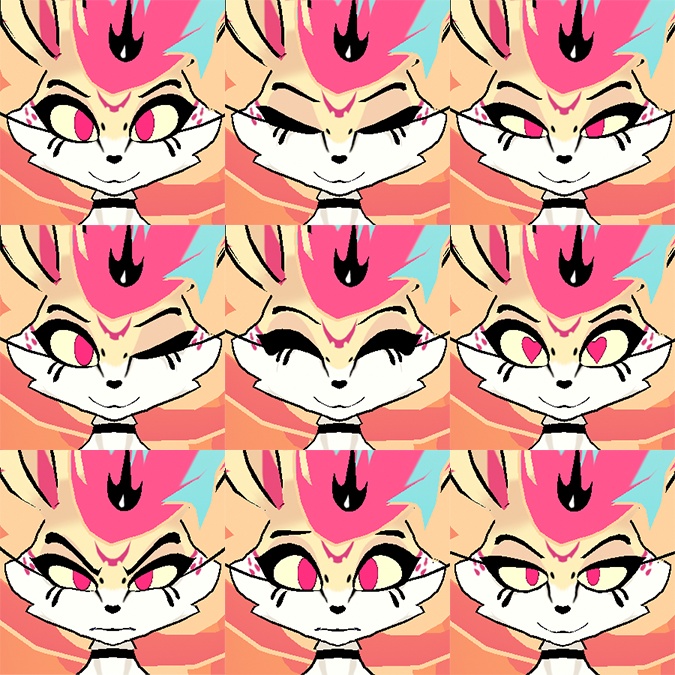
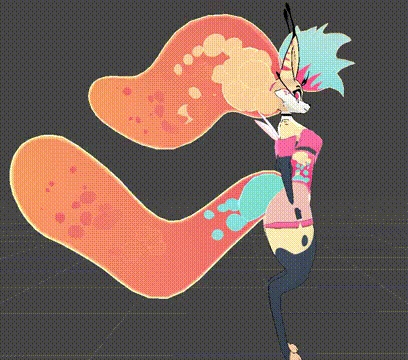
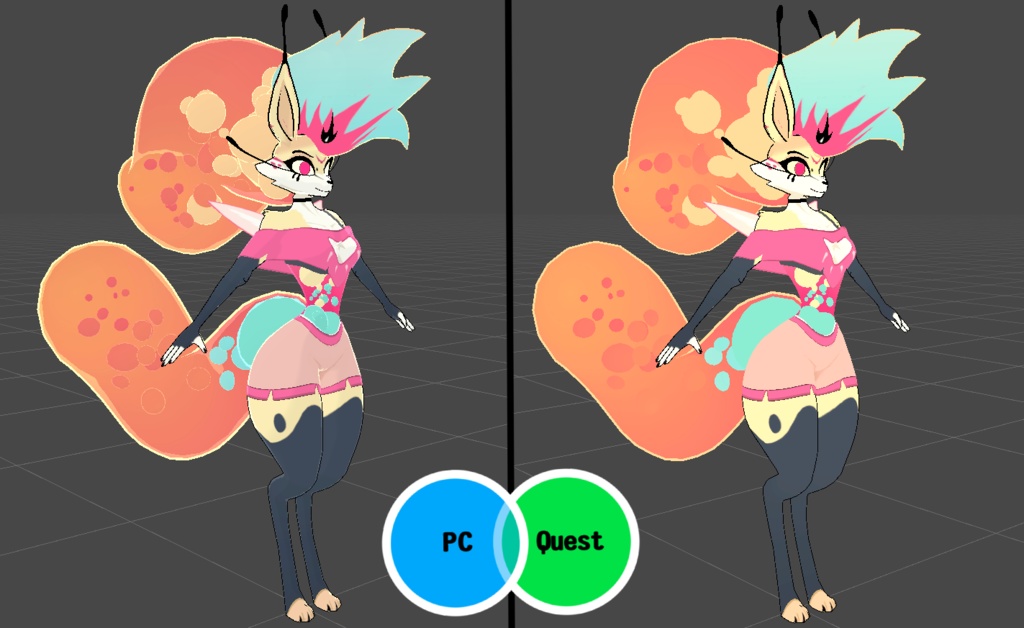
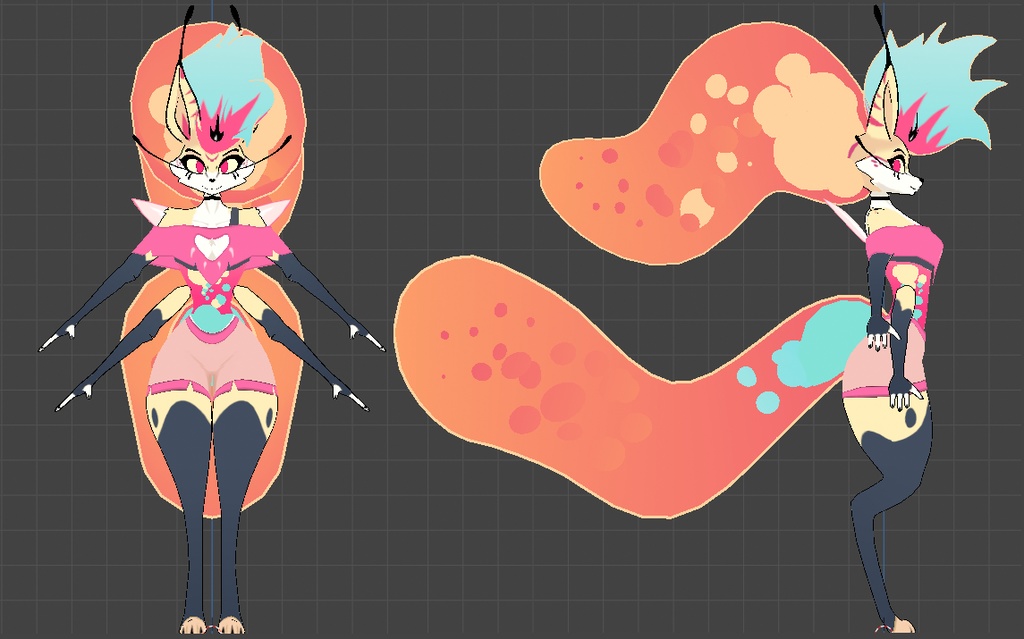
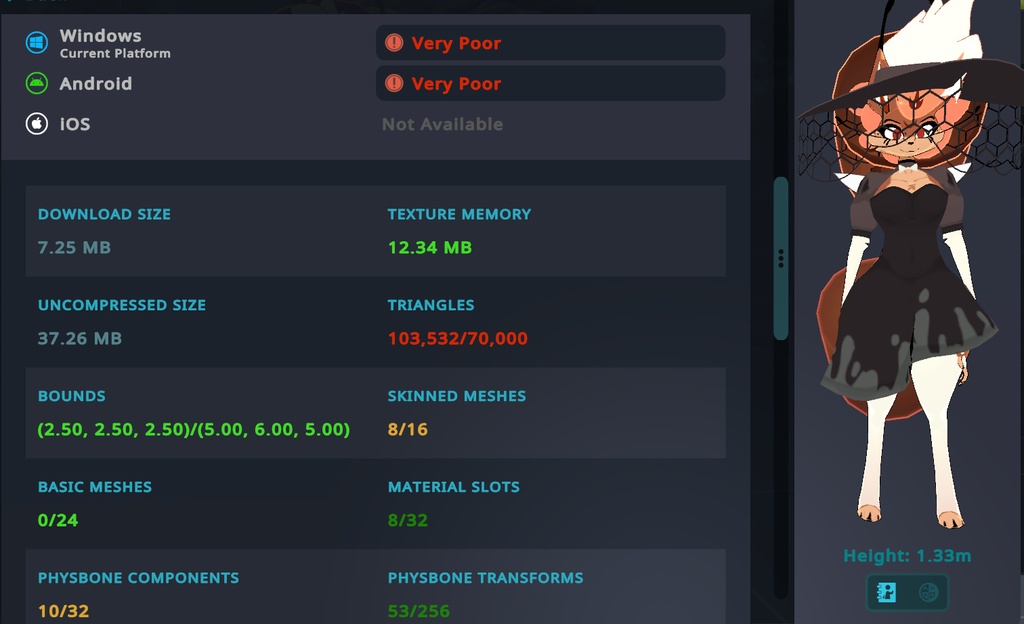
Helluvaboss Queen Bee Model designed for VRChat! SFW and NSFW Model! --Model Specs & Features-- PC & Quest Support 103k tris 7 Body Materials Full Body Tracking Physbone Support 6 Custom Facial Gestures Viseme Support 3 Outfits Toggle Lower Arms Lower Arm Control Posing or Tracking Size Slider Gogo Loco SDK3 (+ Unity 2022) Poiyomi Toon Shader VRCFury --Change Log-- 1.4.0 - Added reskin textures made by CozyLaila & Robhearts 1.4.1 - Fixed Quest texture memory issue after new sdk update 1.4.2 - Blender Project now also contains the reskins as separate objects 1.5.0 - Quest now supports new vrc constraints! Updated poiyomi to 9.0 1.5.1 - Fixed issue with SFW version lower arm constraints 1.6.0 - Added Jury Outfit (Mastermind), Added SPS support 1.6.1 - Fixed Quest material issue, fixed missing wholesome prefab issue, fixed issue between outfit toggles 1.6.2 - Fixed missing compiled poi shader, fixed shoulder strap weights for first outfit 1.6.3 - Fixed Quest issue swapping material skins when returning to original hair 1.7.0 - Updated GogoLoco to 1.8.6 1.8.0 - Updated Quest to use new Toon Standard shader with emissions 1.8.1 - Fixed Quest upload uncompressed memory limit (again) 1.9.0 - Doubled body size sliders, Tail is now togglable, changed few topology to body mesh, updated Blender project to 5.0.1, updated few physbones, removed arm poses until I figure out how to fix them 1.9.1 - Fixed rear rigging issues 1.9.2 - Fixed Tail material swap after making it a separate object 2.0.0 - Added Funeral outfit, Added Funeral body skin, Added Sad emote, Readded handposes and added a new one, Various small changes to body mesh and rig, Optimized textures and structure (38% file size reduction), Updated Blender file to 5.1.2 2.0.1 - Fixed some clipping for Funeral outfit, added new image icon 2.0.2 - Fixed an issue where the Face outline would shrink during emotes 2.0.3 - Fixed missing undergarment for Funeral outfit 2.0.4 - Fixed additional outline issues --Files Included-- Blender Raw File (5.1.2) Textures (JPG/PNG only) Unity Package (2022.3.6f1) with Scene, FBX, animations, and effects. All setup and ready for upload! --Instructions for VRChat PC-- 1. Download Unity Hub: https://unity.com/download 2. Make a new Avatar project with VRChat Creator Companion (VCC) https://vrchat.com/home/download 3. (Optional) Import Poiyomi Toon Shader: https://github.com/poiyomi/PoiyomiToonShader/releases 4. Import my provided .unitypackage file Open Avatar.scene, login using the VRchat SDK, build & upload! --Instructions for VRChat Quest (Cont.)-- 1. Copy the Avatar ID that generated after uploading to PC (In the VRChat SDK, click on the Content Manager tab, you'll see "Copy ID") 2. Click on the _Quest avatar and attach/paste the Avatar ID (In the Inspector, on the Pipeline Manager component, you'll see "Blueprint ID", then click Attach) 3. Click on File > Build Settings... > Android > Switch Platform (Delete _PoiyomiShaders folder if you imported to help speed up the process) 4. Open the VRChat SDK and build & upload again! (If "Build & Publish for Android" is gray, delete/inactive the PC avatar) **Please do not make public.** **Please do not redistribute.** Banner image made by SilentDreams (@SilentDreamsMax) Asset is NOT affiliated with Spindlehorse Toons --Contact-- Twitter: https://twitter.com/Shadsterwolf すみません、にほんご はなせません。(╯°□°)╯︵ ┻━┻