(Free) FNF Boyfriend VRChat Full Body Tracking 3D Model

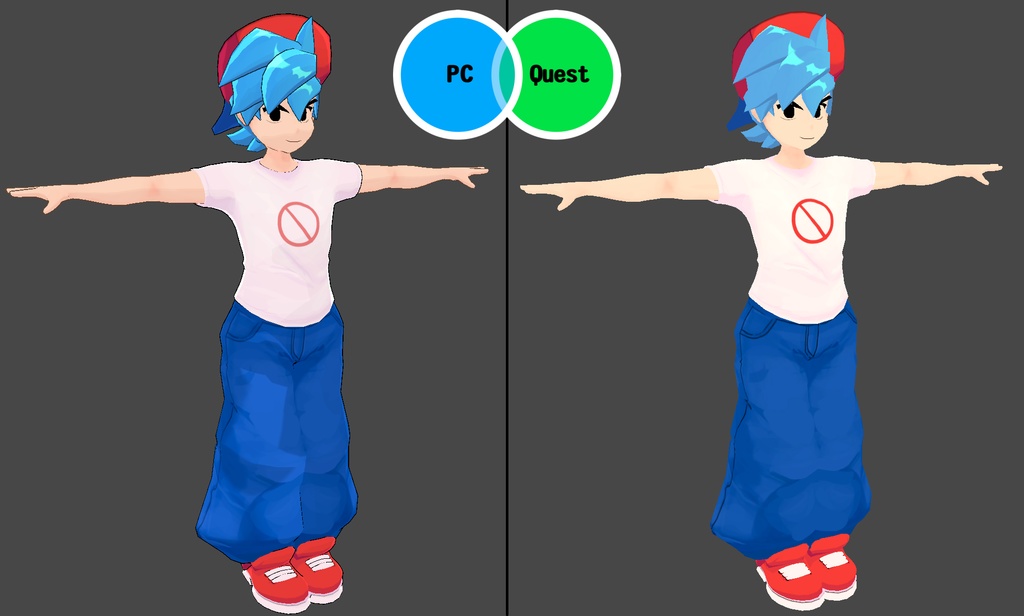
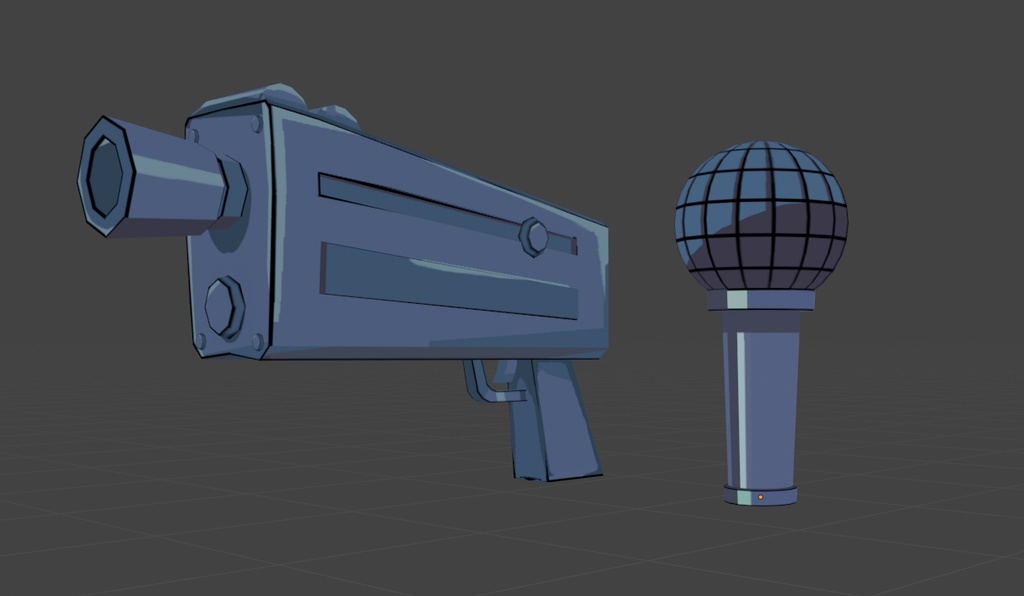
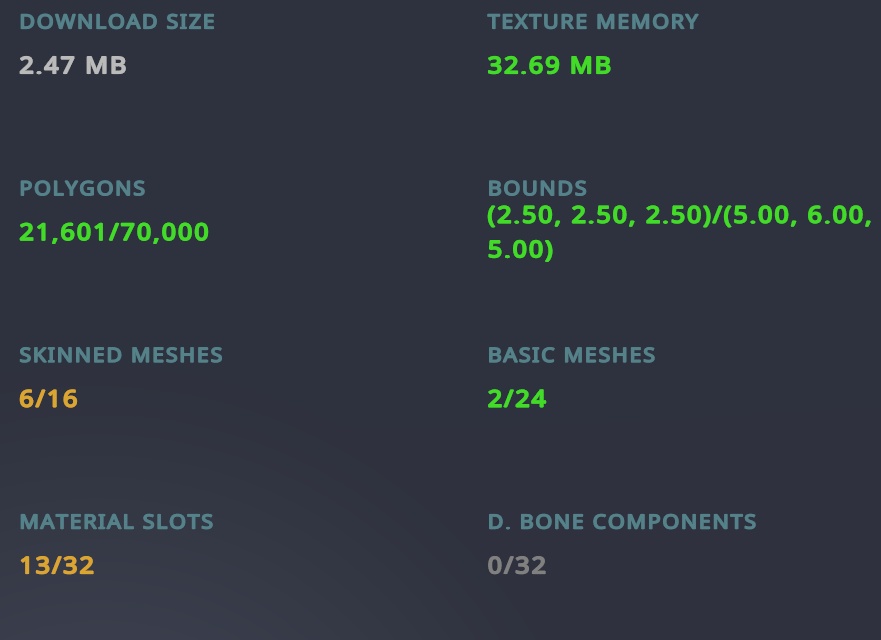
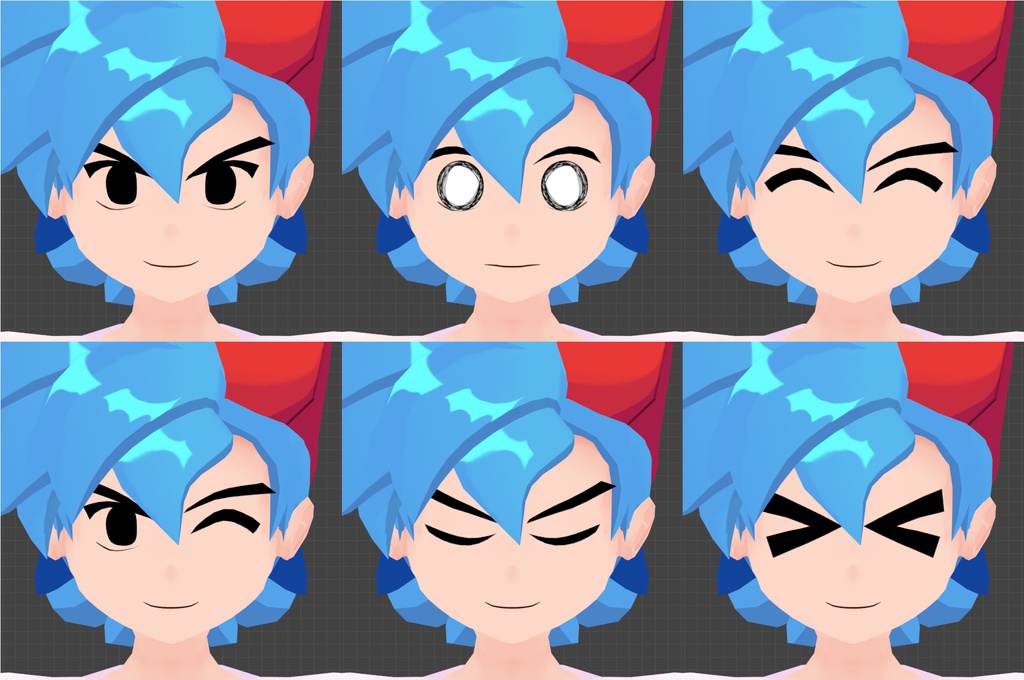
Friday Night Funkin Boyfriend Model designed for VRChat! Free Asset Model for VRChat! SFW Model! (NSFW model is separate for the GF model) https://shadsterwolf.booth.pm/items/4554253 --Model Specs & Features-- -PC & Quest Support -22k tris -2 Materials -Full Body Tracking -Physbone Support -6 Custom Facial Gestures -Viseme Support -Toggle Hat, Shirt, Pants, Shoes -Toggle Mic -Toggle Gun -Gogo Loco (1.8.1) w/Fly -SDK3 (+ Unity 2022) -Poiyomi Toon Shader 8 --Files Included-- Blender Raw File (3.6.5) Textures (PNG only) Unity Package (2022.3.6f1) with Scene, FBX, animations, and effects. All setup and ready for upload! --Change Log-- 1.1.0 - Updated Mesh Body to look better 1.2.0 - Updated GogoLoco to 1.8.6 --Instructions for VRChat PC-- 1. Download Unity Hub: https://unity.com/download 2. Make a new Avatar project with VRChat Creator Companion (VCC) https://vrchat.com/home/download 3. (Optional) Import Poiyomi Toon Shader (8.1): https://github.com/poiyomi/PoiyomiToonShader/releases 4. Import my provided .unitypackage file Open Avatar.scene, login using the VRchat SDK, build & upload! --Instructions for VRChat Quest (Cont.)-- 1. Copy the Avatar ID that generated after uploading to PC (In the VRChat SDK, click on the Content Manager tab, you'll see "Copy ID") 2. Click on the _Quest avatar and attach/paste the Avatar ID (In the Inspector, on the Pipeline Manager component, you'll see "Blueprint ID", then click Attach) 3. Click on File > Build Settings... > Android > Switch Platform (Delete _PoiyomiShaders folder if you imported to help speed up the process) 4. Open the VRChat SDK and build & upload again! (If "Build & Publish for Android" is gray, delete/inactive the PC avatar) FREE TO USE, please give credit 👍 Feel free to upload as public, use in mods, animations, or streams. --Contact-- Twitter: https://twitter.com/Shadsterwolf すみません、にほんご はなせません。(╯°□°)╯︵ ┻━┻
(Free) FNF Boyfriend VRChat Full Body Tracking 3D Model
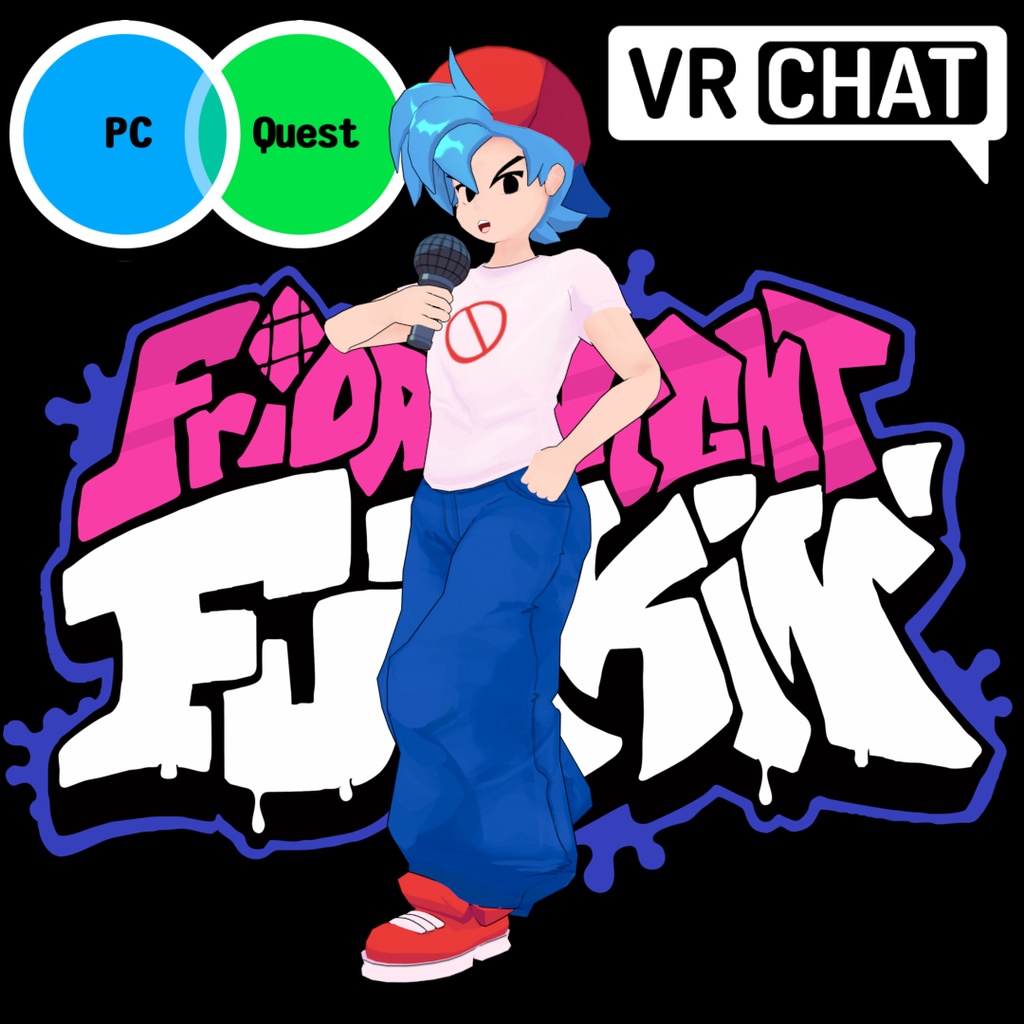
Friday Night Funkin Boyfriend Model designed for VRChat! Free Asset Model for VRChat! SFW Model! (NSFW model is separate for the GF model) https://shadsterwolf.booth.pm/items/4554253 --Model Specs & Features-- -PC & Quest Support -22k tris -2 Materials -Full Body Tracking -Physbone Support -6 Custom Facial Gestures -Viseme Support -Toggle Hat, Shirt, Pants, Shoes -Toggle Mic -Toggle Gun -Gogo Loco (1.8.1) w/Fly -SDK3 (+ Unity 2022) -Poiyomi Toon Shader 8 --Files Included-- Blender Raw File (3.6.5) Textures (PNG only) Unity Package (2022.3.6f1) with Scene, FBX, animations, and effects. All setup and ready for upload! --Change Log-- 1.1.0 - Updated Mesh Body to look better 1.2.0 - Updated GogoLoco to 1.8.6 --Instructions for VRChat PC-- 1. Download Unity Hub: https://unity.com/download 2. Make a new Avatar project with VRChat Creator Companion (VCC) https://vrchat.com/home/download 3. (Optional) Import Poiyomi Toon Shader (8.1): https://github.com/poiyomi/PoiyomiToonShader/releases 4. Import my provided .unitypackage file Open Avatar.scene, login using the VRchat SDK, build & upload! --Instructions for VRChat Quest (Cont.)-- 1. Copy the Avatar ID that generated after uploading to PC (In the VRChat SDK, click on the Content Manager tab, you'll see "Copy ID") 2. Click on the _Quest avatar and attach/paste the Avatar ID (In the Inspector, on the Pipeline Manager component, you'll see "Blueprint ID", then click Attach) 3. Click on File > Build Settings... > Android > Switch Platform (Delete _PoiyomiShaders folder if you imported to help speed up the process) 4. Open the VRChat SDK and build & upload again! (If "Build & Publish for Android" is gray, delete/inactive the PC avatar) FREE TO USE, please give credit 👍 Feel free to upload as public, use in mods, animations, or streams. --Contact-- Twitter: https://twitter.com/Shadsterwolf すみません、にほんご はなせません。(╯°□°)╯︵ ┻━┻